
In this article we will discuss how to sign into your TekSavvy webmail account.
Instructions
- Go to https://mail.teksavvy.com/webmail/
- Enter your email address in the Email Address field.
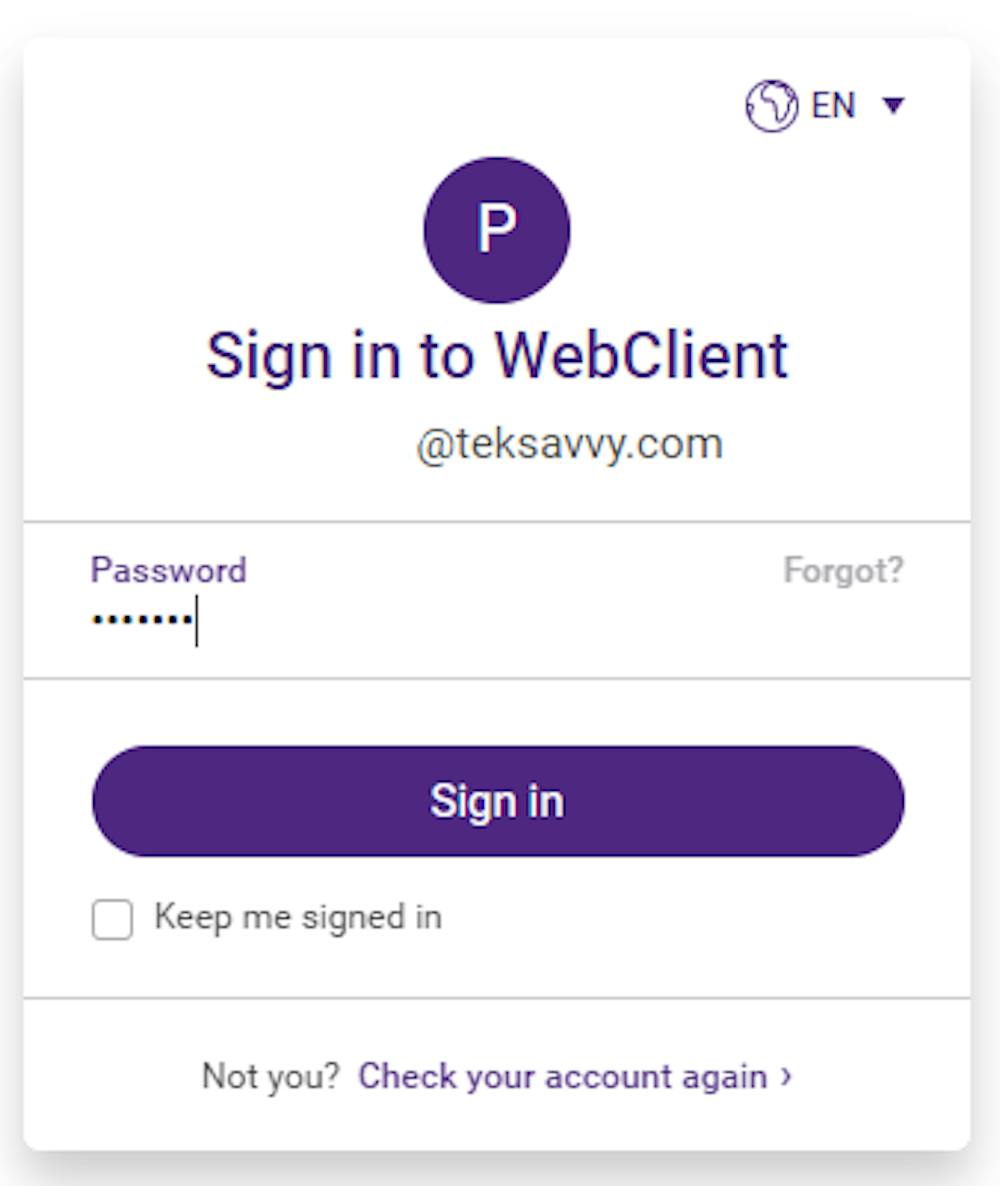
- Enter your password in the Password field.
- Tick the Keep me signed in box if you want to stay signed.
- Click Sign In

Forgot your password?
Not a problem – you can reset it using your MySavvy Portal (recommended option) or follow the instructions below.
- Click on the Forgot icon on the password screen.
- Enter the security code that appears in the first box.
- Click Send me instructions. Instructions will be sent to the alternative email you have set up in Webmail if available.
- If no alternative email is available you will have an opportunity to contact support.
- Describe your issue in the Describe your Problem text box – ie. I forgot my password, my account number is CID12345. Call me at 555-555-5555.
- Click Send Message.
- A support agent will be in touch within 24-48 hours.

